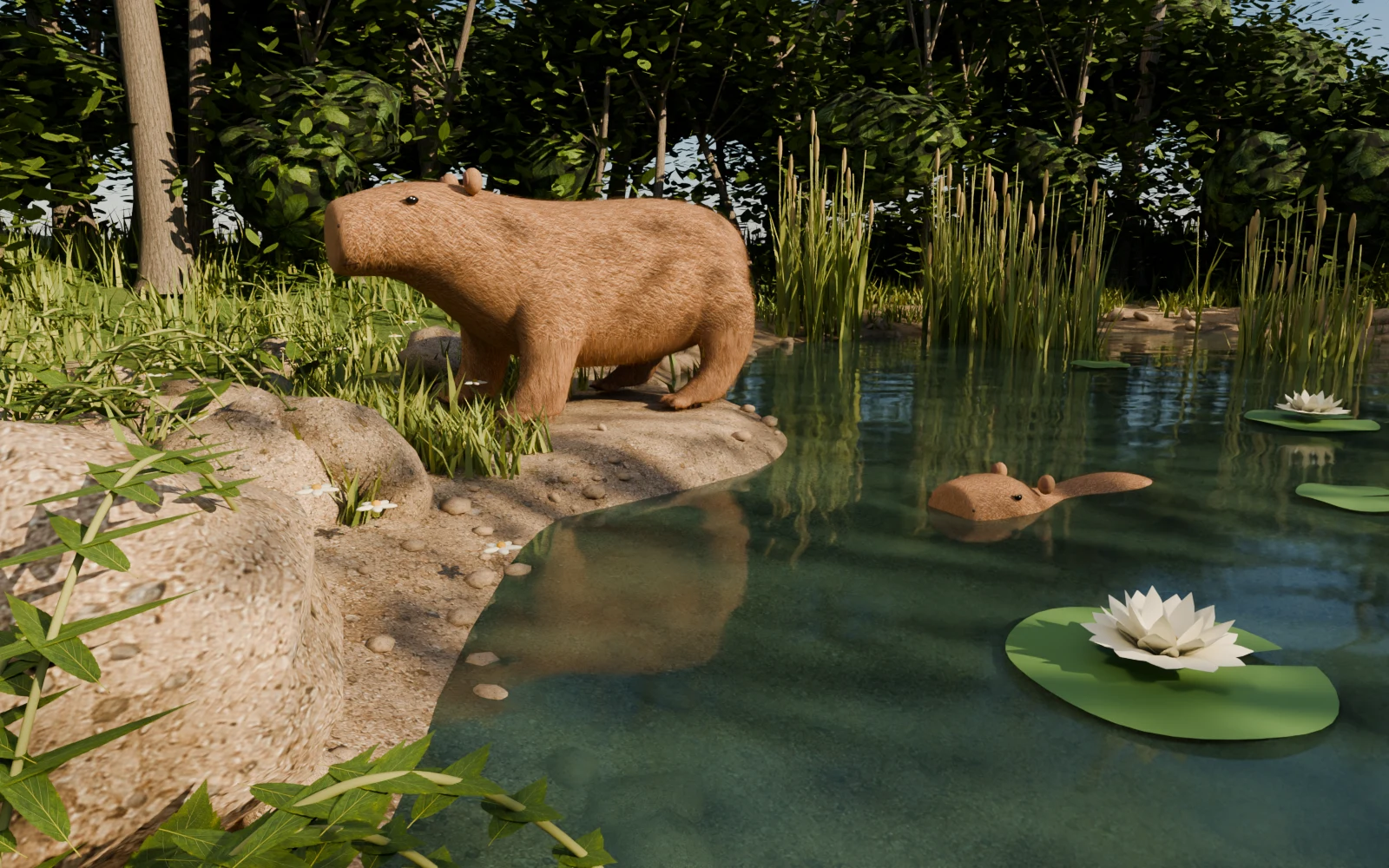
Walk / Overlook / Auto tourChoose Overlook for a view from above. Drag to orbit, or use Q and R; scroll to zoom. Auto tour drifts between views and follows our wandering friends. Stop tour, choose Walk, or press Escape to return.
Auto moments / Clean viewDuring the tour, Auto moments changes the daylight and Mochi’s activities. Turn it off to keep your current setting. Clean view hides the controls; tap the scene, choose Show controls, or press Escape to bring them back. Nature sounds stay off until you turn them on.
WASD / ↑ ↓ ← →Walk along the banks and trails. Hold Shift to walk faster.
Mouse look / drag / Q RTurn on Mouse look to look freely without holding a button. If the pointer stays visible, move over the scene and toward its edges to keep turning. Escape turns Mouse look off. You can also drag or use Q and R.
Space / JumpTake a little leap, standing still or on the move.
E / ♡Walk close to a capybara, then say hello.
On your phoneHold the left arrows to walk and the right arrows to look. Tap Jump while moving, or swipe the scene to turn.
Compass / MapReturn to the start or visit a favourite spot.
Click the world before using the walking keys.
Escape stops movement and turns Mouse look off. Sound is always your choice.